
Restricting access
By default your app is reachable from the whole internet under its address, behind the app’s own login, but reachable. Under SettingsAccess you can narrow that down.
- Open SettingsAccess.
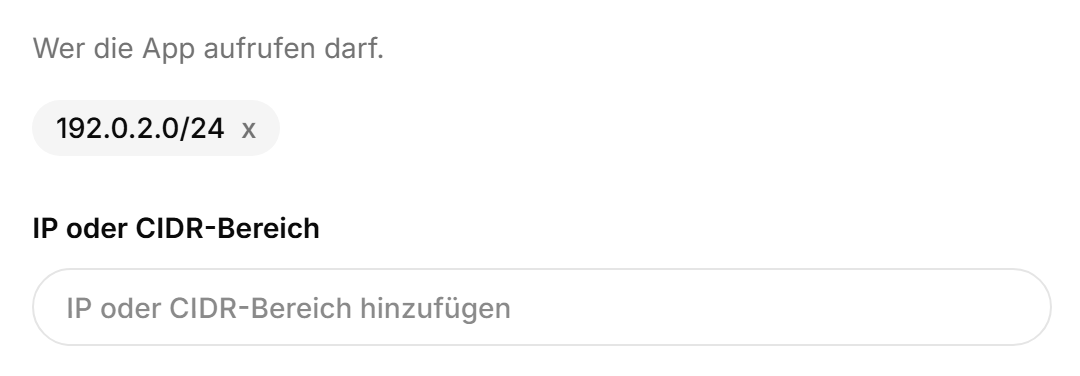
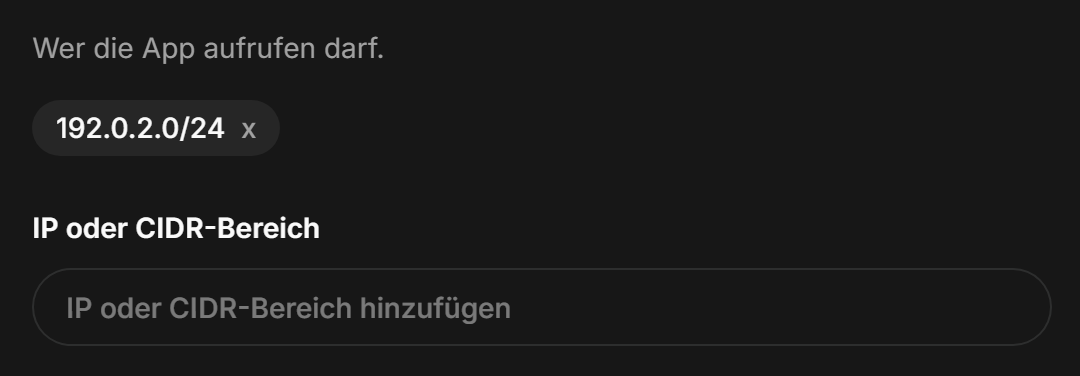
- Enter an IP address or a CIDR range and click “Add”. “My IP” fills in the address you are coming from right now.
- Done. From now on only those ranges get through.
Note
While the list is empty, nothing is restricted. So removing every entry means it is reachable for everyone again.
What to watch out for#
- Most connections get a new IP address every so often. If you lock yourself out, just enter the new one in the dashboard.
- If you have IPv6, you probably go out over IPv6. Then the IPv6 range belongs in the list too, or you end up standing at your own door.
- Home line, office and phone on mobile data each need their own entry.
- Our check whether the app is still alive keeps getting through.
Careful
The restriction applies to everyone, us included. If support should look at your app, take it out first.
What this does not replace#
An IP list is a padlock on the door, not a substitute for the app’s own login. A decent password and two factors still belong there, and on your Podless account as well.
Was this page helpful?