
Backups
Your data belongs to you, and so does backing it up. Set up your own backup for every app you care about. It costs nothing extra with us and takes five minutes.
What you need#
S3-compatible storage. You book it yourself, with a provider of your choice, and pay for it yourself. That way the backup sits somewhere other than the app, and you can reach it, with or without us.
- Create a bucket with your storage provider.
- Create an access key for it, limited to that one bucket.
- Under SettingsBackups enter endpoint, bucket, access key ID and secret key.
- Save and run a first backup.
Note
For the endpoint enter the hostname only, with no https:// and no bucket name in front of it. Providers usually show it next to the bucket.
Careful
One bucket per app. Backing up two apps into the same bucket goes wrong.
The password#
Once it is set up, the dashboard shows you a password. It encrypts your backup and it is the only way to open it again. Copy it somewhere safe, ideally into a password manager. We keep no second copy. Without that password the backup is noise, to us as well.
Daily or by hand#
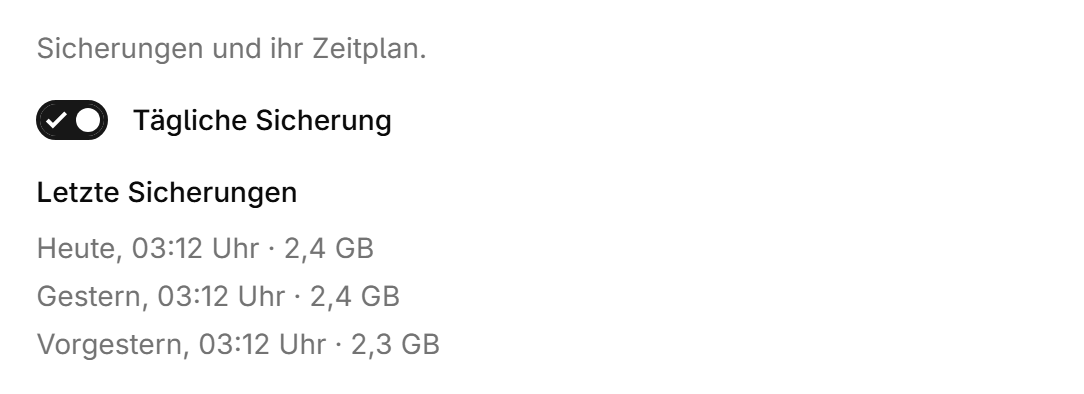
- “Enable daily backups” backs up at most once per calendar day, at night.
- “Run backup” backs up right now, as often as you like.
- “Clean up backups older than 30 days” removes older states on the next run. Without it everything stays and grows.
Only what changed is written each time. The first backup therefore takes the longest, every one after that is small.
Restoring#
Under SettingsBackups every backup is listed with its date. From its row you choose “Restore” and bring that state back.
Careful
Restoring overwrites whatever is in the app right now. The app is stopped for it.
What it costs#
- Nothing extra with us, the space sits with your storage provider.
- There you pay for the space used. Uploading is usually free, downloading is not always. A restore can cost transfer.
- As your app grows, so does the backup. Looking in now and then does not hurt.
Note
A backup that has never been tried is a guess. Restore one once a quarter, preferably into a freshly created app and not the one you depend on.
Was this page helpful?