
Size and performance
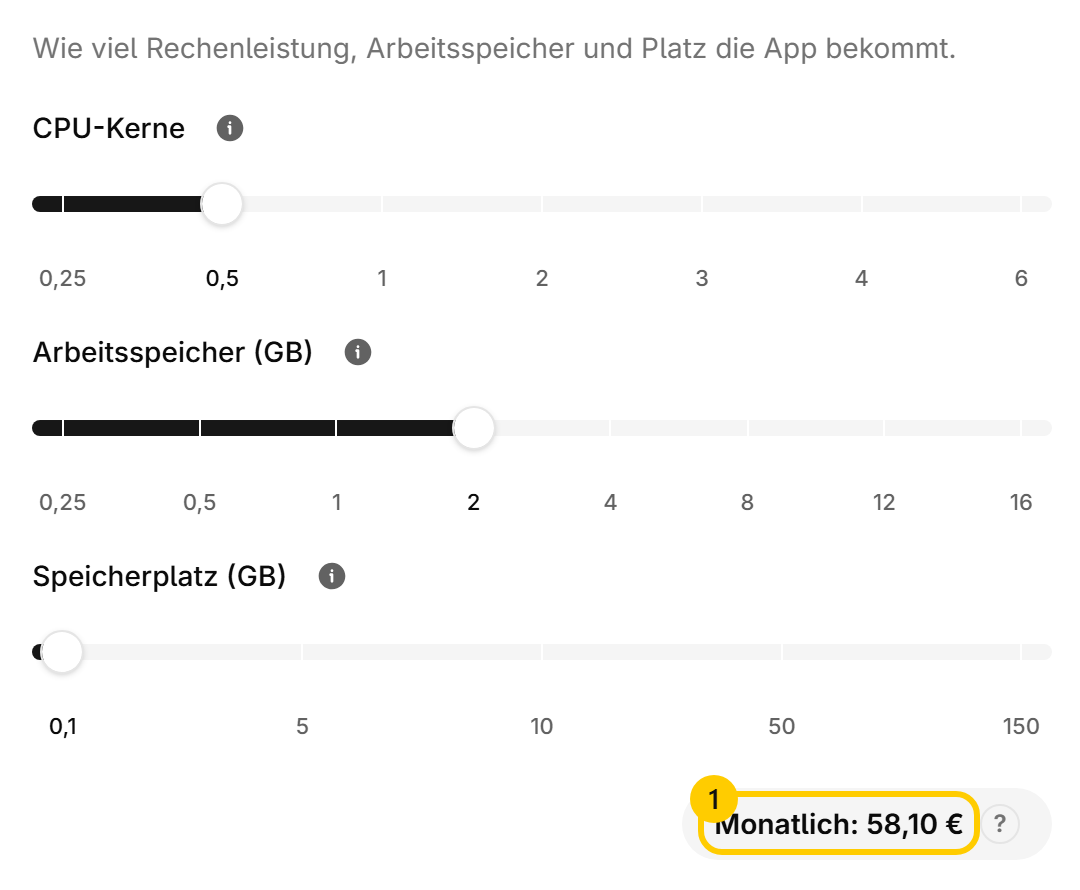
Podless does not sell packages, it gives every app three sliders. You find them under SettingsResources.
Every app comes with a recommended size. It is picked so the app runs well for most people and is not so tight that the first big operation kills it. Below the sliders sits the monthly total 1. It follows as you drag.
What it costs#
CPU and memory are billed per started hour in which the app runs. Storage is billed per day, pro rata to the monthly price, even while the app is stopped. The dashboard shows the monthly price for the size while you drag. You can work it out beforehand on the home page.
Changing it#
- Open SettingsResources.
- Move the sliders. The new monthly price is shown below them.
- Save. The app restarts and is unreachable for a moment.
Note
Shrinking works as long as there is room. What is in use has to fit into the smaller tier, with some headroom. If it does not, the dashboard names the smallest tier that still works.
When it gets tight#
- When storage is full, the card shows how much is in use. Clean up or go one tier up.
- When an app restarts for no reason, it is almost always short of memory. One tier up, then look again.
- When an app is sluggish but does not crash, it is the CPU.
The first import, a reindex or an upload running overnight need more than everyday use. You can size an app up for that and back down afterwards, billing is by the hour anyway.
Was this page helpful?