
Environment variables and email
Many apps are configured through environment variables. We set the important ones when the app is created. You change them under SettingsEnvironment variables.
Note
Changed variables only take effect after the app restarts.
What a variable means is documented by the app itself. Where there is documentation, we link to it right above the fields. At the very top of the list sits the choice for sending email 1. More on that further down.
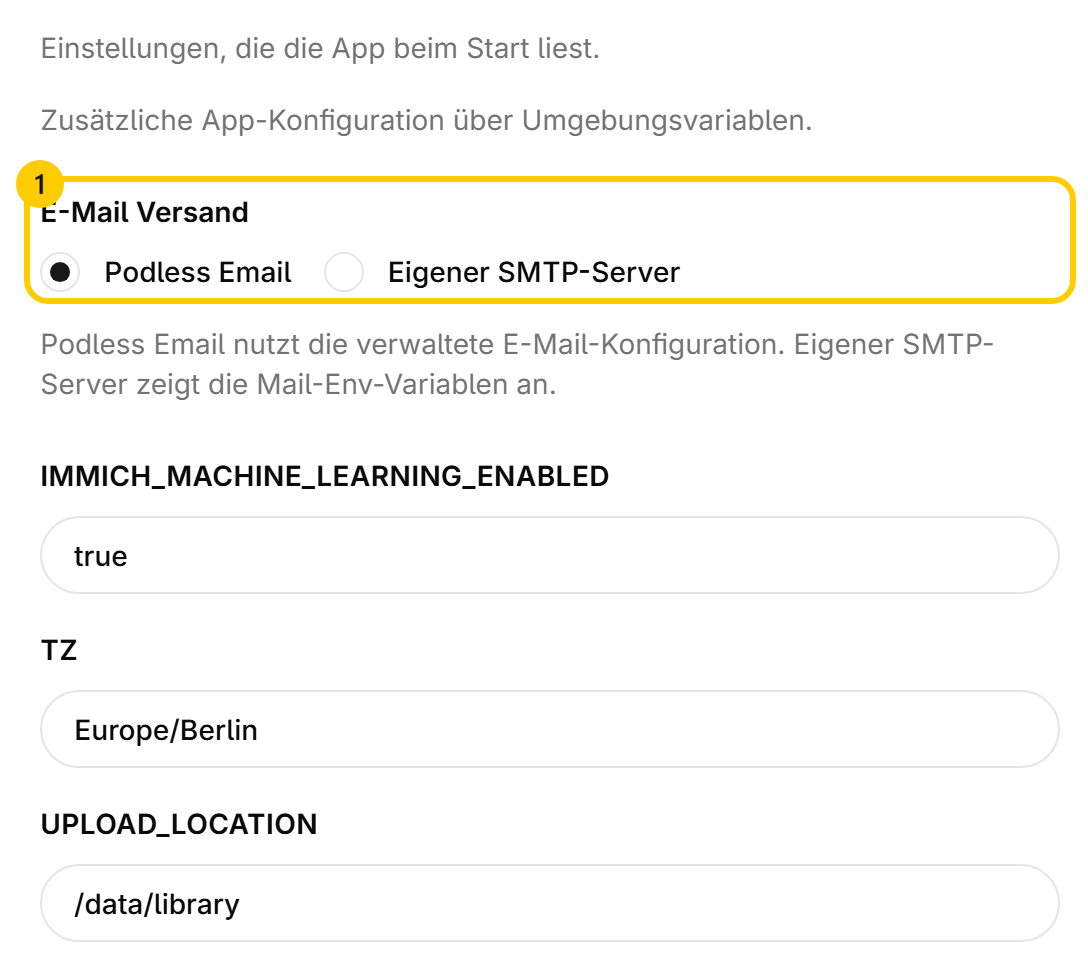
Time zone#
Our servers run on UTC. If an app shows the wrong times, the variable TZ with your zone usually helps, e.g. Europe/Berlin. Whether an app listens to it is in its documentation.
Sending email#
Apps that send email, such as invitations, reminders or password reset links, offer two ways to do it among the environment variables.
The app sends through us. Nothing to fill in, nothing to set up, nothing to look after. Sender address and delivery are already in place.
Note
The right route for almost everyone. Take your own server only once you have a reason to.
Secret values#
Variables holding keys or passwords are masked in the dashboard and stored encrypted. They are decrypted only to start your app.
Missing a variable?#
If the app knows a setting that does not show up here, write to us. We will add it so you can set it.
Was this page helpful?